ai-codeannouncements
Cursor Releases Composer 2.5 With Enhanced AI Coding
Cursor unveils Composer 2.5, bringing upgraded capabilities for AI-assisted development. The new version expands the tool's functionality for streamlined code generation and collaboration.
May 24, 2026
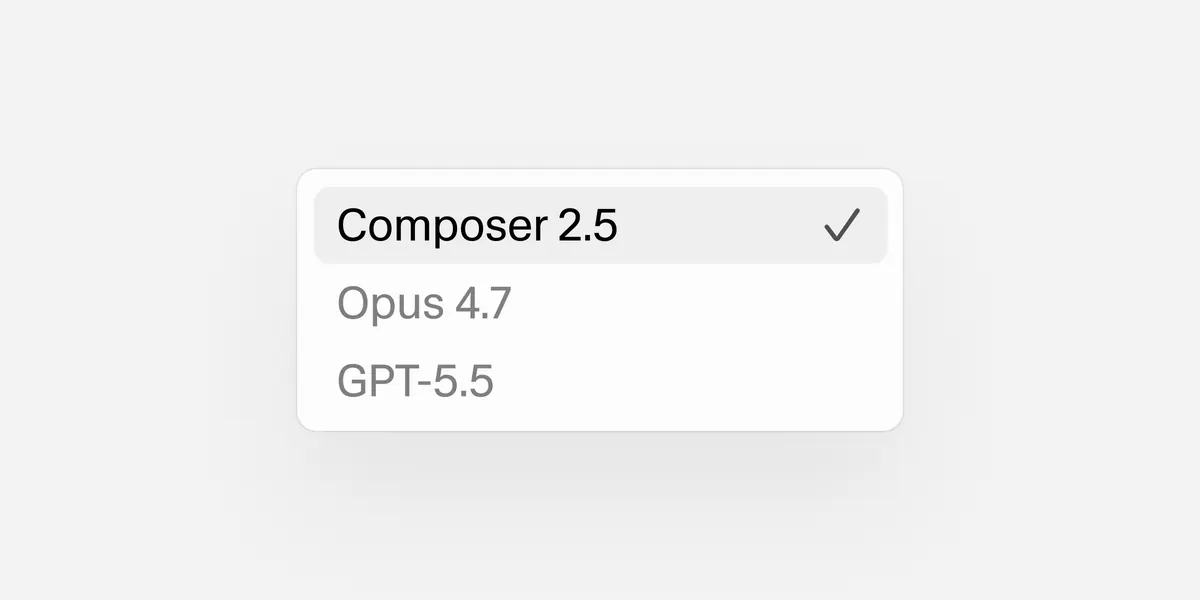
You are choosing between Cursor and something else, probably GitHub Copilot or a simpler autocomplete tool, because you are building features that span multiple files and your current setup keeps losing context halfway through. Composer 2.5 is Cursor's answer to that specific problem, and whether it changes the calculus depends entirely on the size and shape of your codebase.
The earliest you could act on this productively is this week, specifically because Cursor's free trial does not require a credit card and Composer 2.5 is available immediately on new accounts. One afternoon on a real task from your current backlog will tell you more than any benchmark. If it does not noticeably reduce the friction on that task, the $20 per month is not justified. If it cuts the time in half, the question answers itself.
A single scenario where Composer 2.5 either earns its place or doesn't
Picture a mid-size Django project: 40 or so models, a handful of serializers, a custom authentication layer, and a React frontend talking to it over a REST API. You need to add a feature that touches the model layer, the serializer, the view, the URL config, and two frontend components. That is five files, minimum, with dependencies that flow in one direction. With earlier versions of Composer, this kind of multi-file task hit a ceiling. The agent would get the model right, generate a serializer that mostly worked, and then start losing track of what it had already written by the time it reached the view. You would end up manually stitching together output from three separate prompts. Composer 2.5 extends the working context across that chain. The checkpoint system, which is the substantive new addition, lets the agent pause at defined points, show you what it has done, and wait for confirmation before continuing. For the Django scenario above, that means you can review the model change before the serializer is generated based on it, instead of discovering a mismatch three files later. This is not magic. The agent still makes mistakes. But catching a wrong field type at the model layer is a two-second fix. Catching it after it has propagated into the serializer, the view, and the frontend type definitions is a 20-minute untangle.What Composer 2.5 actually costs you
The pricing story for Cursor has not changed with this release. The Pro plan sits at $20 per month and covers Composer usage. The Business plan is $40 per user per month. Neither price is the number to focus on. The real cost is setup friction for teams. Cursor runs as a standalone editor, not an extension. That means anyone on your team who adopts it is migrating their editor configuration, their keybindings, their extensions, and their muscle memory. A solo developer can make that switch in an afternoon. A team of eight with shared linting configs, custom snippets, and VS Code-specific tooling is looking at a day or two of coordination, plus a period where some people are productive and some are not. There is also a model cost embedded in how Composer works. The tool routes requests through frontier models, primarily Claude and GPT-4 variants depending on task type. Heavy Composer usage against large codebases can exhaust the fast request quota in the Pro plan faster than many developers expect. When you hit the quota, requests slow down significantly. If your team is doing multi-file refactors regularly, you may end up on Business pricing not because you need the team features but because you need the throughput. Migration risk is lower than it looks on paper. Cursor reads your existing project structure, your.gitignore, your existing configs. You do not rewrite anything to onboard. The risk is more about workflow changes than technical compatibility.
$20/mo
Cursor Pro - the entry point for full Composer 2.5 access
How to decide whether to switch, stay, or skip
The decision is not really about Composer 2.5 specifically. It is about whether your current setup is creating friction on multi-file work, and whether that friction is costing you measurable time. If you are primarily writing new features in a single-file context, or doing quick autocomplete work, Composer 2.5 adds nothing you need. GitHub Copilot compared to Cursor is a reasonable alternative here, and Copilot's extension model means zero editor migration cost. If you are doing regular multi-file refactors in a codebase over 50,000 lines, the checkpoint system is worth a trial. One week on the Pro plan costs less than an hour of debugging a propagated mismatch. If you are on a team where editor standardization matters, the adoption cost goes up sharply. The question to ask is not whether Composer is better, but whether the productivity gain on multi-file tasks outweighs the coordination cost of migrating everyone. For teams of two to four, probably yes. For teams of ten or more with established VS Code tooling, the math gets harder. If you are evaluating Cursor against Claude Code for agentic coding tasks, that is a different fork entirely. Claude Code runs in the terminal and handles long autonomous tasks well but gives you less interactive control mid-task. Composer 2.5's checkpoint model is a direct counter to that trade-off, giving you the multi-step capability with more interruption points.One thing to check before committing
Run your actual workflow, not a toy example, on the free trial. A two-file todo app will not tell you how Composer handles your real codebase. Pick the last refactor that took you longer than expected and redo it with Composer. That result is the only data point that matters for your decision.
Tools mentioned in this article
Some links in this article are affiliate links. Learn more.