Antigravity's remote agents keep coding after you close the laptop. Change one default before you use them.
Google Antigravity 2.29 adds remote agents that run in cloud VMs for Google AI Pro and Ultra subscribers, plus a Gemini Live voice mode. Who can use them, the permission default to change, and what Google has not said about limits.
November 8, 2026
Google is rolling out remote agents in Google Antigravity, its agent-first coding platform. A remote agent runs your task in a Google-managed cloud virtual machine, so it keeps working after you close the laptop, and you can check on it from a phone. The same release, version 2.29, adds a voice mode built on Gemini Live and a redesigned interface. Google's release notes date version 2.29.0 to November 3, and 9to5Google reported the rollout on November 6.
Remote Control, which Google added in August, already let you steer an agent from a browser, but that agent ran on your own computer, which had to stay on. Remote agents move the work to Google's servers.
"We want Antigravity to be working for you all the time. We've been rolling out remote agents this week. Your tasks run in independent cloud virtual machines." Google Antigravity on X
What Google has confirmed
The details below come from the remote agents documentation and the 2.29.0 release notes.
- Who gets it: "Remote Agents is available to Google AI Pro and Google AI Ultra subscribers who sign in with a personal Google Account," and it is rolling out gradually. The docs say it is not available on the free plan, on Google AI Plus, or for Google Workspace and Google Cloud business accounts.
- What it works on: You create a remote project and attach GitHub repositories, Google Drive files or folders, or uploaded files. Private repositories in one project must have the same owner. Remote agents cannot read or change files on your local machine.
- Upload limits: 8 MiB per file, 50 files and 100 MiB per project, and 2 GiB across your account.
- Where you use it: The Antigravity desktop app, a desktop or mobile browser at antigravity.google.com, and the Antigravity CLI from version 1.4.12, started with "agy --remote-agent".
- Credentials: Google says OAuth credentials are encrypted at rest and injected only when the agent calls a service you authorized.
- CLI gaps: Remote CLI sessions do not yet support local MCP servers, plugins or agent skills.
Check the default permission setting
Google's pitch is that you can unblock permission requests from your phone. The docs describe a different default: "Unless you change it, the permission preset is always-proceed (turbo), so remote agents run commands without asking for approval." The other two presets are "default", which asks before sensitive operations, and "request review", which asks before every command.
Turbo is less risky on a cloud VM than on your laptop, but the agent still holds a GitHub token for every repository you attach, and an agent that reads issues, documents or web pages can be steered by text planted in them. If a project touches anything you care about, switch the preset to "default" before you start the first task.
Voice mode and the redesign
Voice mode is described in Google's voice mode post from November 6 and the voice mode docs.
- Model: It runs on Gemini Live, which Google says "hears your voice directly instead of a transcript."
- How it works: You start it from an empty message box in the app, or with "/voice live" or F6 in CLI version 1.5.0 or later. You can interrupt the agent, steer a running task or say "stop". There are nine voices, and speaking speed runs from 0.75x to 2x.
- Safety rule: Destructive actions, such as deleting files, running with admin rights or force-pushing, cannot be approved by voice. You have to click Allow on screen, although you can deny them by voice.
- Not for remote work yet: In the app, voice mode works only in local conversations, not in cloud conversations or Remote Control sessions. The CLI does not support it in remote agent sessions either.
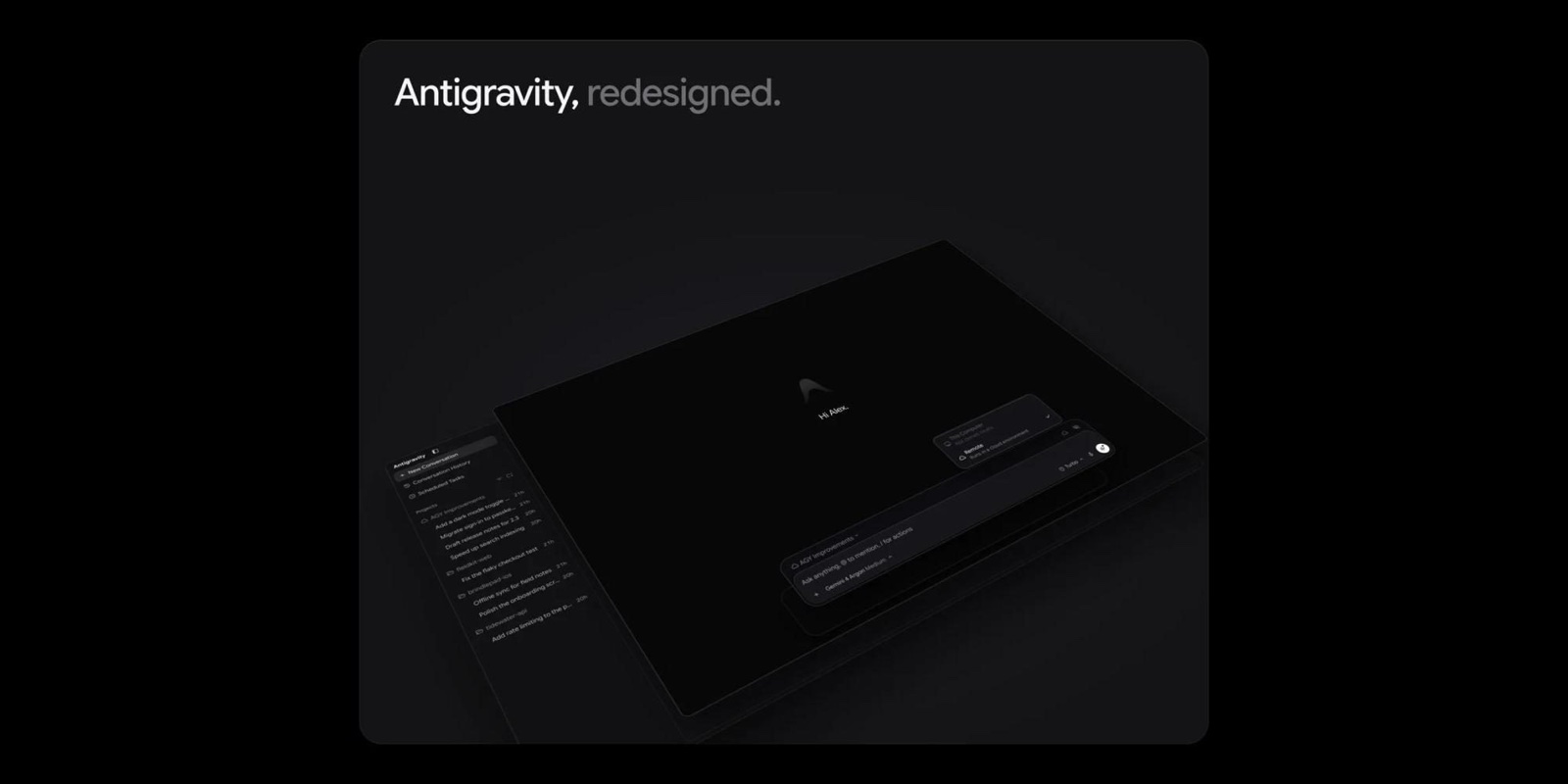
The redesign moves the message box to the bottom of a new conversation, with a greeting at the top. The Automations page now sorts jobs into Scheduled, Always on and Paused, with next and last run times. Jupyter notebooks open in the file viewer, and the built-in browser gained downloads and browsing history.
What is still unclear
- How usage is counted: Antigravity's plans page says Pro gets a quota "refreshed every five hours until the weekly limit is reached", Ultra gets the highest quota, and extra use can be paid with AI credits at Gemini Enterprise consumption pricing. Neither that page nor the remote agents docs say how cloud runs count against those limits, or whether VM time is metered separately.
- Which plans qualify: Google's post on X, as quoted by Thurrott, says remote agents are "Available on all paid consumer plans." The docs exclude Google AI Plus, which is also a paid consumer plan. Until Google clarifies, treat Plus as not included.
- Model and hardware: Google has not said which models power remote agents or what size the VMs are.
- Regions, network rules and retention: The docs do not list supported countries, what the VM can reach on the network, or how long remote projects are kept.
What this means for you
- If you pay for Google AI Pro or Ultra on a personal account: cloud agents come with the plan you already have, at $19.99 a month for Pro or from $99.99 a month for Ultra in the US, once the rollout reaches you. Start on a low-risk repository and watch your quota for a few days before you hand it longer jobs.
- If you are on the free plan, AI Plus or a Workspace account: you cannot use remote agents yet. If your plan supports Remote Control, you can still steer an agent from your phone, as long as your own computer stays on and connected.
- If you are choosing a cloud coding agent: this is not a new category, and for Google it is a replacement. On October 29 Google announced that Jules, its cloud coding agent, stops taking new sessions on November 11 and shuts down on December 31, and said what it learned from Jules is going into Antigravity. Claude Code also runs on the web at claude.ai/code. Antigravity's case is that cloud runs sit in the same app, CLI and project list as your local work. Our Cursor vs Antigravity comparison goes further.
- If you run a team on Google Workspace or Google Cloud: business accounts are excluded for now, so this does not change your tool choice yet.
Google has published more about features than about limits. Until that changes, your own quota page is the best guide to what a cloud run costs.
Sources: Antigravity remote agents docs, Antigravity changelog, Antigravity blog, Antigravity voice mode docs, Antigravity plans, Google Antigravity on X, 9to5Google, Thurrott.
Some links in this article are affiliate links. Learn more.