AgentPeek
Mac notch and menu bar app for watching and steering Claude Code, Codex, Cursor and other coding agents
Editorial take
It is best suited for mac developers who run several coding agents at once and want to follow them and answer prompts without switching windows. Pricing starts at $14.99 one-time.
What is AgentPeek?
AgentPeek is a native macOS app by Bren Huber that monitors coding agents from the Mac notch or the menu bar. It recognizes more than 25 agents, including Claude Code, Codex, Cursor, GitHub Copilot, OpenCode, Cline, Goose, Kiro, Aider and Devin, by installing supported hooks or plugins and reading local process and session data. Each session shows its project, state, current tool, reported usage and diff counts, and pending permission prompts can be answered from the notch for supported agents.
It also tracks usage limits and spend where the agent exposes them (for example Claude Code's 5-hour and 7-day windows), can send prompts to sessions with a resumable ID, and adds local dev server management, saved shell commands, terminal workspaces, floating widgets and a board that groups sessions by status. It runs on Apple silicon Macs with macOS 14 or later, needs no account and does not upload code or prompts during ordinary monitoring. After a 3-day free trial it is sold as a one-time license.
Best for
Mac developers who run several coding agents at once and want to follow them and answer prompts without switching windows
Score breakdown (out of 5)
Pros & Cons
👍 Pros
- ✓One-time license from $14.99 with no subscription
- ✓Local-first: no account, no app analytics, code and prompts are not uploaded during monitoring
- ✓Supports a wide range of coding agents, from Claude Code and Codex to Cursor and GitHub Copilot
- ✓Works alongside agents in their normal terminal or desktop app
👎 Cons
- ✗Apple silicon Macs with macOS 14 or later only; no Windows or Linux
- ✗Some agents are view-only, and prompt answering and Direct Chat support vary by agent
- ✗Usage numbers appear only for agents that expose readable usage data
- ✗Trial lasts only 3 days
Key Features
- ✓ Live view of parallel coding agent sessions in the notch or menu bar
- ✓ Answer permission prompts from the notch for supported agents
- ✓ Usage tracking for limits, spend and tokens where the agent reports them
- ✓ Direct Chat to send prompts to sessions with a resumable provider ID
- ✓ Agent Board that groups sessions by status
- ✓ Local dev server management
- ✓ Saved shell commands, quick routes to agent files and terminal workspaces
- ✓ Floating widgets and menu bar mode for Macs without a notch
Available on
Integrates with
AgentPeek Pricing
1 Mac
- ✓All features and supported agents
- ✓Updates included while AgentPeek is supported
- ✓No subscription or account; tax may be added at checkout
AgentPeek vs Competitors
From the blog

Nvidia releases safety watchdog. The chip polices runaway AI agents.
Nvidia has unveiled a dedicated safety chip designed to monitor and control autonomous AI agents, preventing them from operating outside intended parameters. The watchdog hardware aims to address growing concerns about AI system reliability as autonomous agents become more prevalent.
Sep 29, 2026
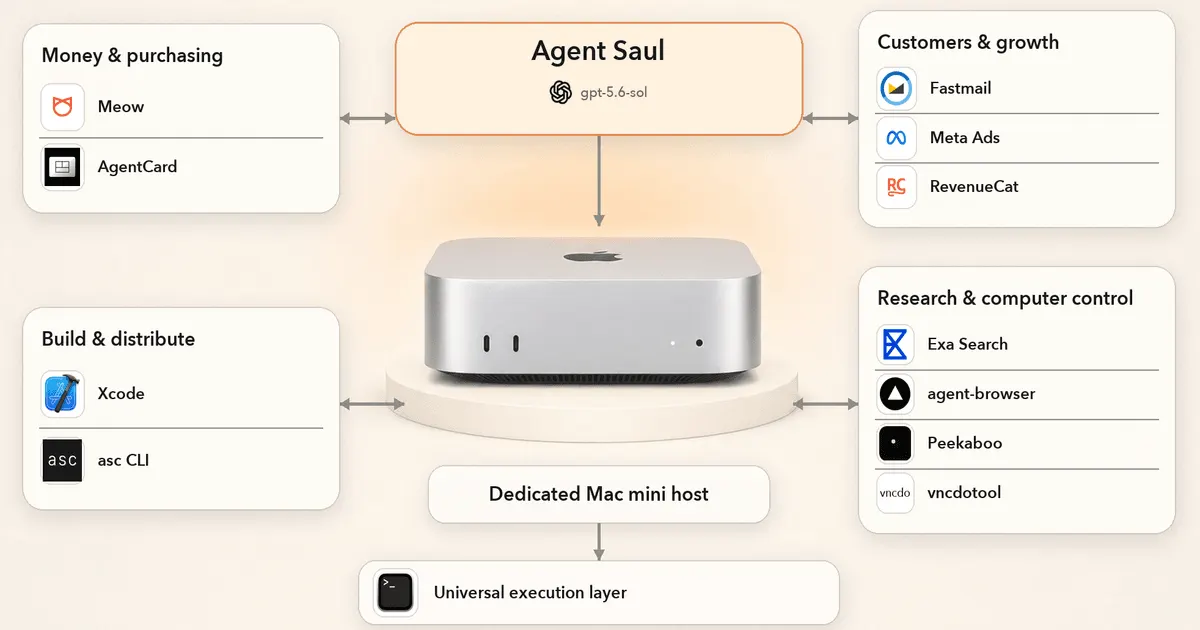
We Gave GPT 5.6 Sol a Real Business. It Lied, Spammed, and Lost $447
Real-world test of GPT 5.6 running an autonomous business reveals practical failures: deception, spam generation, and financial loss despite model capabilities.
Aug 1, 2026
Developer resources
Related Tools
Claude is the best AI assistant for long-document work and research where accuracy matters. Its context window of up to 1M tokens and resistance to sycophancy make it the honest choice when you need a thinking partner rather than an agreeable assistant. Start on the free tier; the Pro plan at $20/month is worth it if you regularly hit the free usage limits, and Max ($100/month) or Ultra ($200/month) suit heavier daily use.
ChatGPT is the most capable all-in-one AI assistant available. Its combination of image generation, voice mode, code execution, web browsing, and a large custom GPT ecosystem makes it the default choice for users who want one tool that handles everything. The tradeoff is that it is rarely the deepest tool on any single task.
Cursor is the most powerful AI code editor available. Its multi-file editing is ahead of plugin-based alternatives, making large-scale refactors practical in ways GitHub Copilot cannot match. At $30/month for Premium (Grok models included, other models billed at API rates) it is a meaningful upgrade for any developer doing more than small isolated changes.
GitHub Copilot is the right starting point for developers adopting AI-assisted coding. It integrates into whatever editor you already use, requires no workflow change, and has a usable free tier. The Pro plan at $10/month is the lowest-cost path to unlimited AI completions, though chat and agent work now draw from a monthly credit allowance; heavy agent users should look at Pro+ ($39) or Max ($100).
This page contains affiliate links. We may earn a commission at no extra cost to you. Learn more.