Codictate
Write code by speaking - voice-to-code for developers
Editorial take
Codictate brings voice-driven coding to developers who prefer to speak rather than type, or who need coding assistance without hands at a keyboard. Voice-to-code accuracy for common patterns is practical, and the tool fits naturally into accessibility workflows. Still early-stage; complex implementations require careful review of generated code.
What is Codictate?
Codictate lets developers write code by dictating it verbally. You speak your intent in natural language - describing what a function should do, what variable names to use, what logic to implement - and Codictate transcribes and formats it into actual code.
It's purpose-built for developers who prefer voice input, have repetitive strain injuries or accessibility needs, or who find that narrating code out loud improves their thinking. The tool understands programming-specific language: it correctly formats method calls, handles camelCase and snake_case conventions, and understands when you say 'open paren' versus 'open bracket'.
Codictate works as a VS Code extension and supports 20+ programming languages including JavaScript, TypeScript, Python, Go, Rust, and Java. It integrates with GitHub Copilot so you can combine voice input with AI code completion.
Best for
Developers wanting voice-controlled coding
Key strength
Voice-to-code in any IDE
Score breakdown (out of 5)
What you would use it for
- →Writing code by speaking commands and descriptions out loud in natural language
- →Accessible coding for developers with repetitive strain injuries or physical limitations
- →Dictating code in contexts where typing is inconvenient or impractical
- →Rapid scaffolding of boilerplate and repetitive patterns through voice commands
- →Combining voice coding with traditional typing for a mixed hands-free workflow
Pros & Cons
👍 Pros
- ✓Excellent for accessibility and RSI prevention
- ✓Narrating code often improves thinking and code quality
- ✓Works alongside existing Copilot workflows
- ✓Handles programming-specific vocabulary well
👎 Cons
- ✗Smaller community than mainstream coding tools
- ✗Requires quiet environment for best accuracy
- ✗Learning curve for voice coding workflow
- ✗Not ideal for complex agentic coding tasks
Key Features
- ✓ Natural language voice-to-code transcription
- ✓ VS Code extension
- ✓ Understands programming syntax and conventions
- ✓ GitHub Copilot integration
- ✓ Custom voice commands and aliases
- ✓ Supports 20+ programming languages
Available on
Integrates with
Codictate Pricing
✅ Codictate has a free plan - no credit card required to start.
Free
- ✓100 minutes of voice coding per month
- ✓VS Code extension
- ✓5 programming languages
- ✓Basic voice commands
Pro
- ✓Unlimited voice coding
- ✓All programming languages
- ✓GitHub Copilot integration
- ✓Custom vocabulary and aliases
- ✓Priority transcription speed
Codictate vs Competitors
From the blog

Claude Code hits $200 monthly. Developers debate if the tier justifies the cost.
Anthropic's highest-tier Claude Code pricing sparks discussion among developers about ROI. For some professional coders, the advanced features may pay for themselves; for others, mid-tier plans offer better value.
Sep 23, 2026
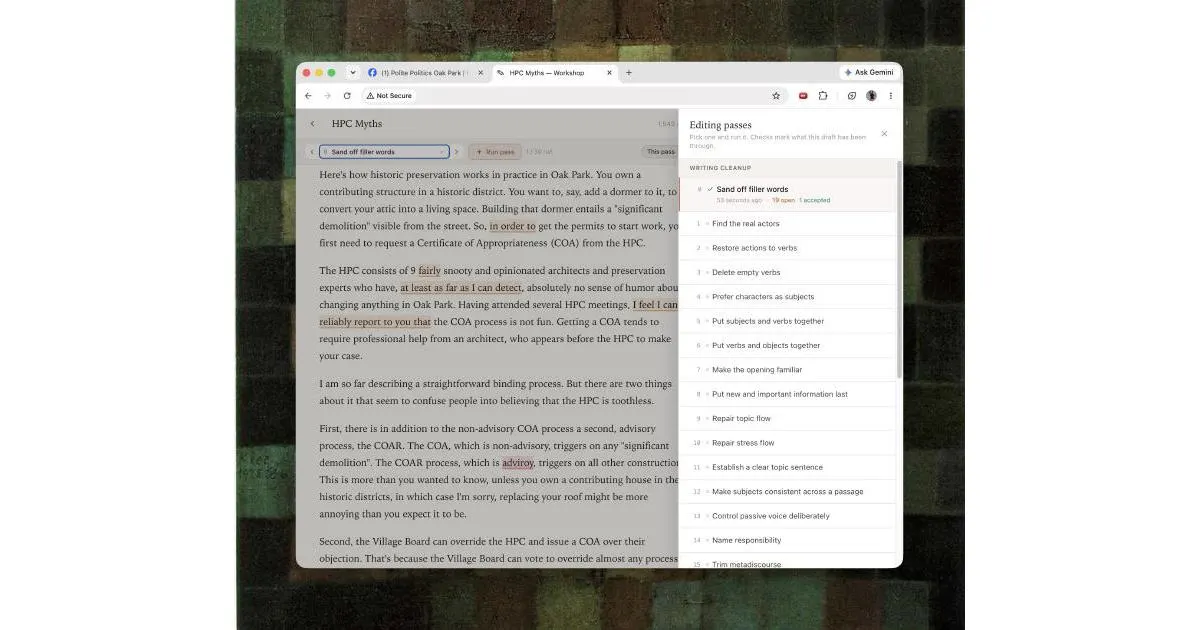
Writing with LLMs: A practical guide to better AI-assisted composition
A comprehensive guide on effective writing techniques when using large language models, covering strategies to improve output quality and maintain authentic voice in AI-assisted writing.
Sep 18, 2026
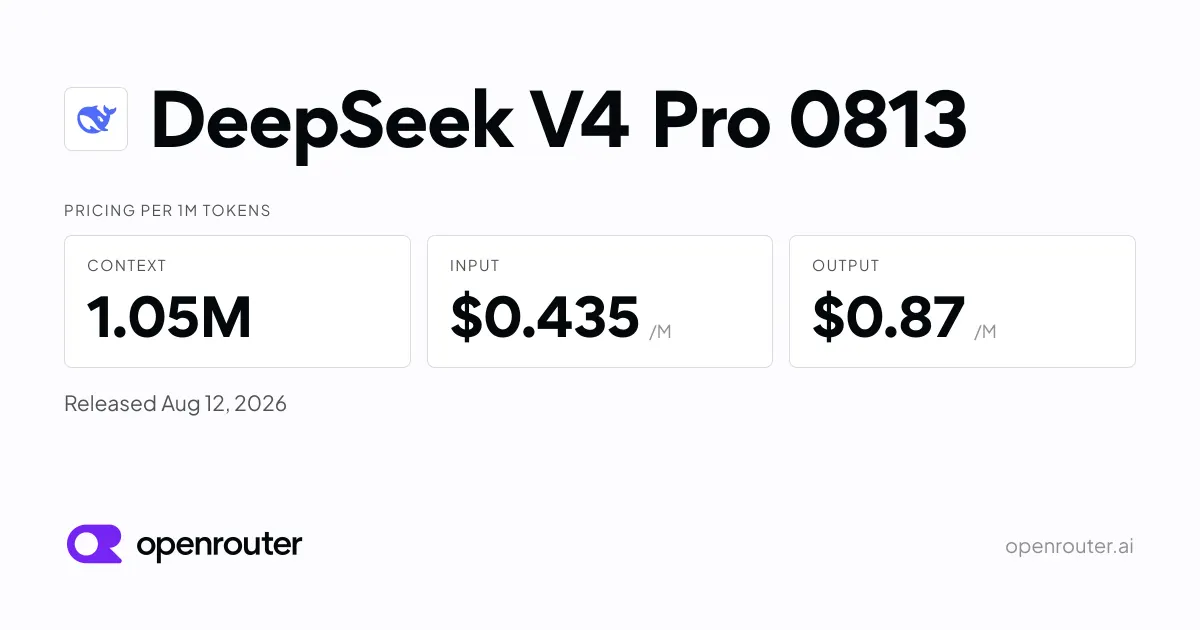
DeepSeek releases V4 Pro 0813. Reasoning and code get a boost.
DeepSeek's latest model update brings performance improvements focused on reasoning and code tasks. The new version is now available via OpenRouter.
Aug 14, 2026
Developer resources
Related Tools
Claude is the best AI assistant for long-document work and research where accuracy matters. Its 200K context window and resistance to sycophancy make it the honest choice when you need a thinking partner rather than an agreeable assistant. Start on the free tier; the Pro plan at $20/month is worth it if you regularly hit daily limits.
ChatGPT is the most capable all-in-one AI assistant available. Its combination of image generation, voice mode, code execution, web browsing, and a large custom GPT ecosystem makes it the default choice for users who want one tool that handles everything. The tradeoff is that it is rarely the deepest tool on any single task.
Cursor is the most powerful AI code editor available. Its multi-file editing is genuinely ahead of plugin-based alternatives, making large-scale refactors practical in ways GitHub Copilot cannot match. At $20/month for Pro it is a meaningful upgrade for any developer doing more than small isolated changes.
GitHub Copilot is the right starting point for developers adopting AI-assisted coding. It integrates into whatever editor you already use, requires no workflow change, and has a usable free tier. The Pro plan at $10/month is the lowest-cost path to unlimited AI completions, though chat and agent work now draw from a monthly credit allowance; heavy agent users should look at Pro+ ($39) or Max ($100).
This page contains affiliate links. We may earn a commission at no extra cost to you. Learn more.