Stormi
A team of AI agents on your iPhone
What is Stormi?
Stormi is an iPhone app for running a team of AI agents. Each bot has a name, one job and its own AI model, and bots run on Stormi's server, so they keep working when the app is closed or the phone is off. Six starter bots are ready when you sign in. Example bots include Chief of Staff, which hands work to the right bot and sends a morning brief, Sales Outbound, which follows up with leads who went quiet, and Growth, which drafts and schedules posts in your voice. You can also describe a bot of your own or pick one from the marketplace.
Bots connect to more than 1,700 apps as plugins, including Gmail, Slack, Notion, Google Calendar, GitHub, HubSpot, Salesforce and Shopify. You sign in on each service's own page, and each bot gets only the apps its job needs. Bots hand work to each other in threads you can read, run routines such as a weekday morning brief, and stop to ask before they send, pay, delete or submit anything. The Action button lets you ask a bot about the page, post or video on your screen from any app, and widgets, Live Activities and notifications show what each bot is doing. Stormi is made by YapsGG.
Stormi is free to start with no subscription: bots run on Stormi's model account on fast models with limited usage. Stormi Pro costs $9.99 per month for much more usage and models including Kimi K2.6, GPT-6 Luna and Claude Haiku 5.5, plus Telegram replies while you are away. Stormi Max costs $39.99 per month for the highest usage and adds Kimi K3.1 Pro, Gemini 4 Argon and Grok 4.7. You can instead connect your own OpenRouter account and pay model providers directly, with no Stormi markup. These are US prices; the App Store shows local prices that can differ by country.
Score breakdown (out of 5)
What you would use it for
- →Getting a weekday morning brief from your tools
- →Following up with leads who went quiet
- →Drafting and scheduling social posts
Pros & Cons
👍 Pros
- ✓Free to start without a credit card
- ✓Bring your own OpenRouter account with no markup
- ✓Bots keep working when the phone is off
👎 Cons
- ✗Only available as an iPhone app
- ✗The free tier is limited to fast models with limited usage
- ✗Pro and Max usage limits are not given as numbers
Key Features
- ✓ Bots with one job and their own model each
- ✓ Runs on Stormi's server while your phone is off
- ✓ 1,700+ app plugins with per-bot access
- ✓ Hand-offs between bots in readable threads
- ✓ Approval before sending, paying, deleting or submitting
- ✓ Scheduled routines such as a morning brief
- ✓ Action button to ask about what is on screen
- ✓ Widgets, Live Activities and notifications
Available on
Integrates with
Stormi Pricing
✅ Stormi has a free plan - no credit card required to start.
Start free
- ✓Six starter bots plus the marketplace
- ✓Fast models on Stormi's account with limited usage
- ✓Plugins, routines, approvals and threads
- ✓Widgets, Live Activities and the Action button
Stormi Pro
- ✓Much more usage
- ✓Kimi K2.6, GPT-6 Luna and Claude Haiku 5.5
- ✓Telegram replies while you're away
Stormi Max
- ✓Highest usage
- ✓Kimi K3.1 Pro, Gemini 4 Argon and Grok 4.7, plus every Pro model
- ✓Telegram replies
Bring your own models
- ✓Connect your own OpenRouter account
- ✓Any OpenRouter model, chosen per bot
- ✓No markup from Stormi
- ✓Your own spending limits on OpenRouter
Latest news
From the blog

Claude Design Launched Quietly: What It Actually Does
Anthropic quietly released Claude Design in Claude Labs, extending Claude's conversational interface into visual work. It excels at brainstorming and iteration but lacks professional design features like multi-page layouts and team collaboration.
Apr 18, 2026

Anthropic Launches Claude Design for AI-Assisted Workflows
Anthropic introduces Claude Design through Claude Labs, extending AI capabilities into visual and design applications. The move signals a strategic shift toward generalist AI platforms competing across multiple specialized domains.
Apr 18, 2026
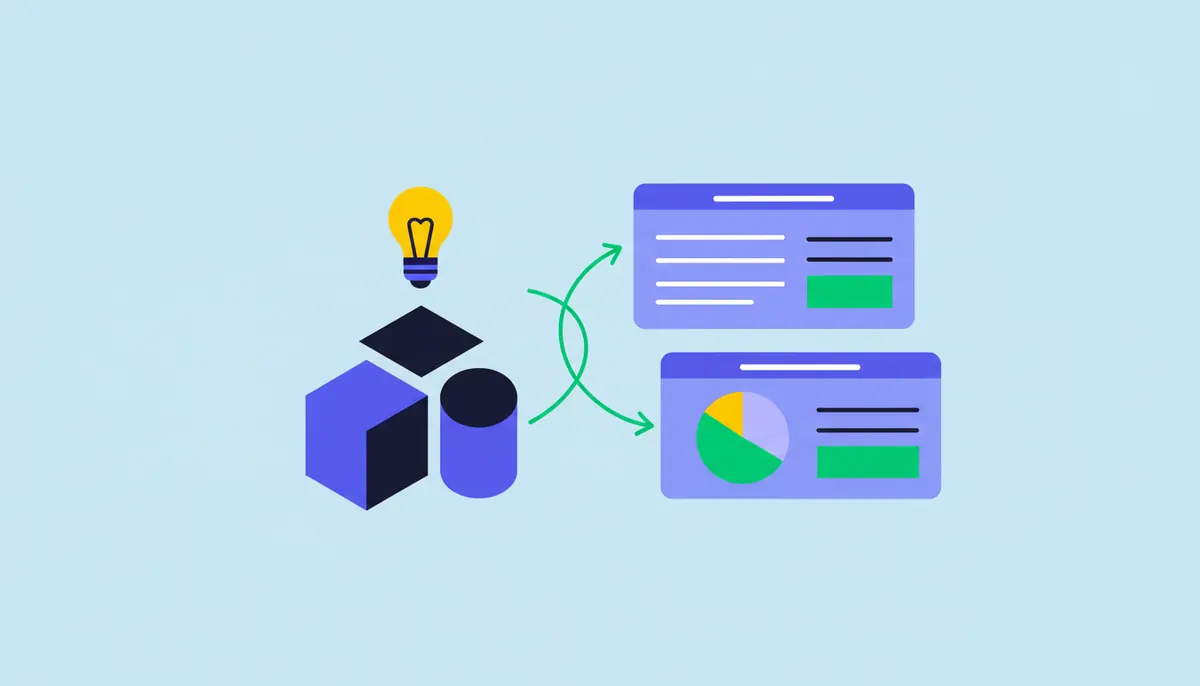
Best AI tools for students in 2026 (ranked by what actually helps)
ChatGPT, Claude, Gemini, Perplexity, Gemini Notebook (formerly NotebookLM) - students have more AI options than ever. Here is which ones help with studying, writing, and research, and which ones will get you in trouble.
Apr 1, 2026
Developer resources
Related Tools
Make is the most visually capable automation platform available. Its canvas-based interface makes complex multi-step workflows easier to reason about than Zapier's linear format. The free tier is generous enough for light use, and paid plans offer strong value for teams automating high-volume processes.
n8n is the best automation platform for developers and technical teams who need full control over their workflows. The open-source core, self-hosting option, and code nodes make it the most extensible automation tool available. If you have hit the limits of what you can customize in Zapier, n8n is the natural upgrade.
OpenClaw is the most popular free, open-source personal AI agent. With about 390K GitHub stars and an MIT license, it handles multi-step tasks - email, calendars, browsing, files, shell commands and code - from the chat apps you already use, with no subscription. It needs technical comfort and careful permissions given its security history, but its capabilities rival paid agents.
Gumloop is the most accessible no-code automation platform for AI workflows. It has shifted from a drag-and-drop workflow builder to an AI agent platform, and connecting AI models and business tools remains practical for non-developers. For marketing and content teams who want to automate research, generation, and data enrichment without writing code, Gumloop is the right tool.
This page contains affiliate links. We may earn a commission at no extra cost to you. Learn more.